Module 3 Formstorming

Weekly Activity Template

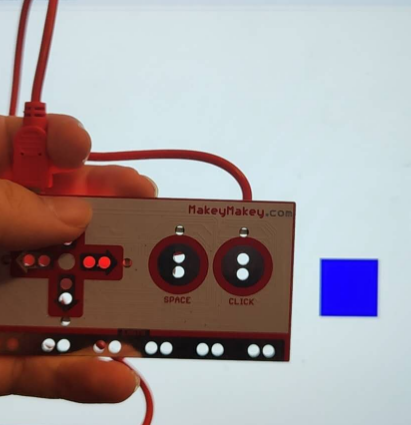
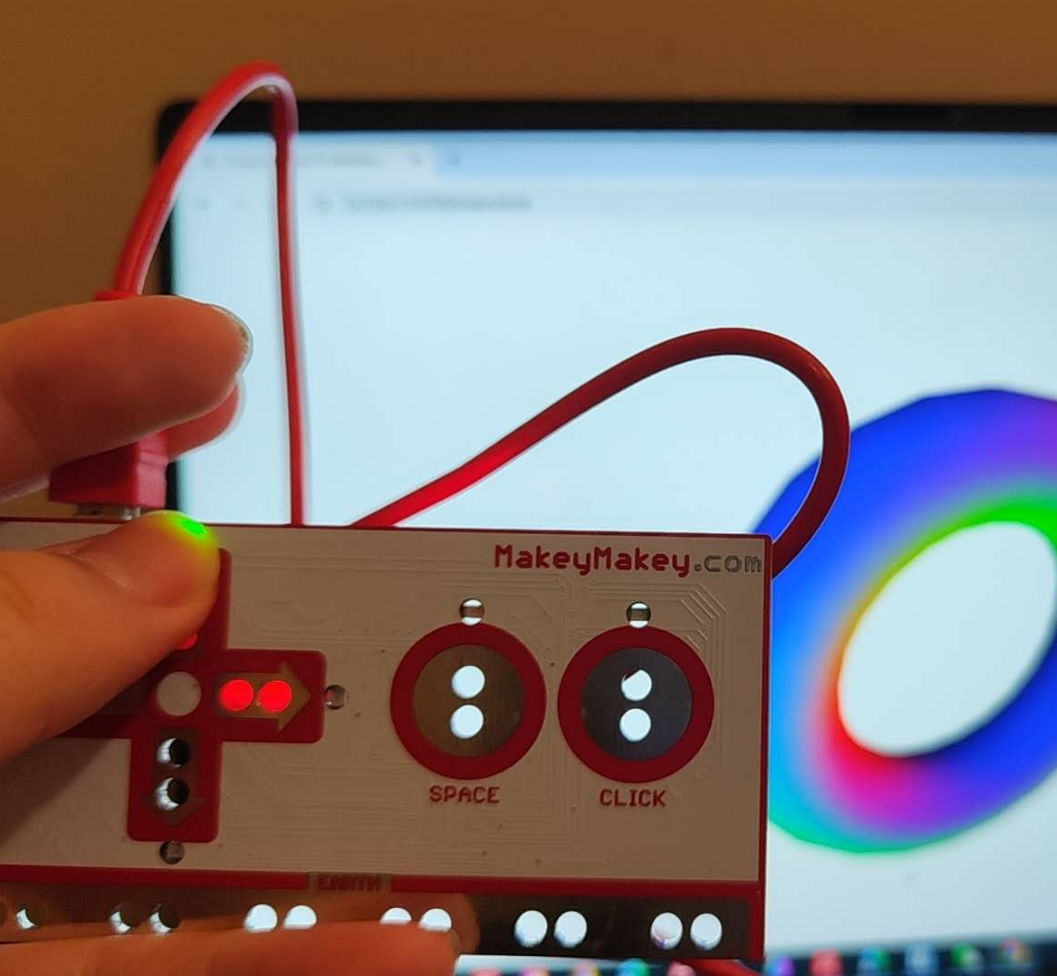
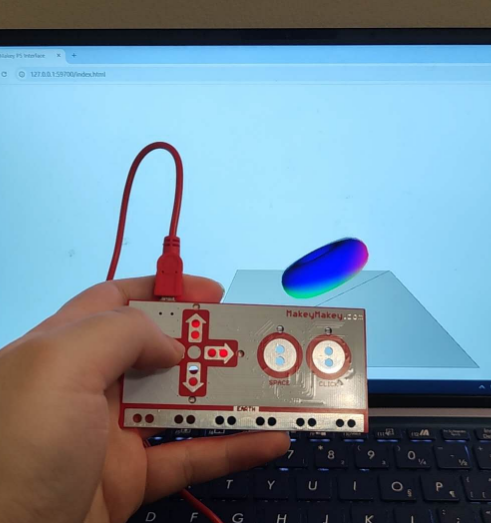
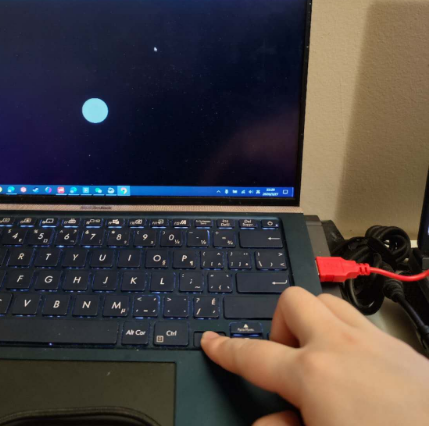
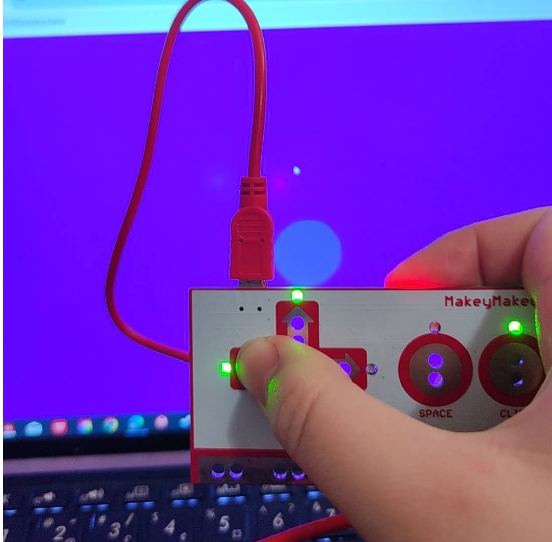
This is my Project 3. It's a physical interactive project made with Makey Makey. My project can trigger sounds through physical buttons.


Project 3


Module 3

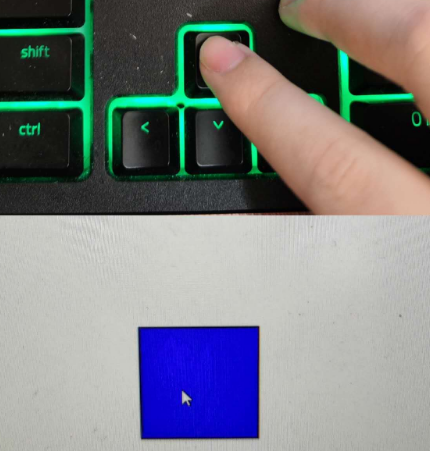
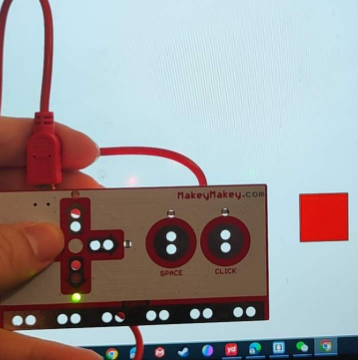
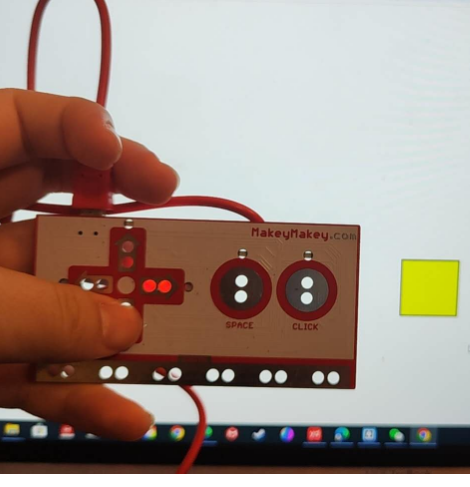
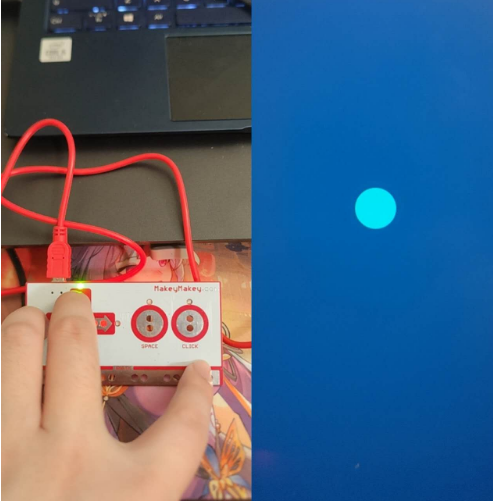
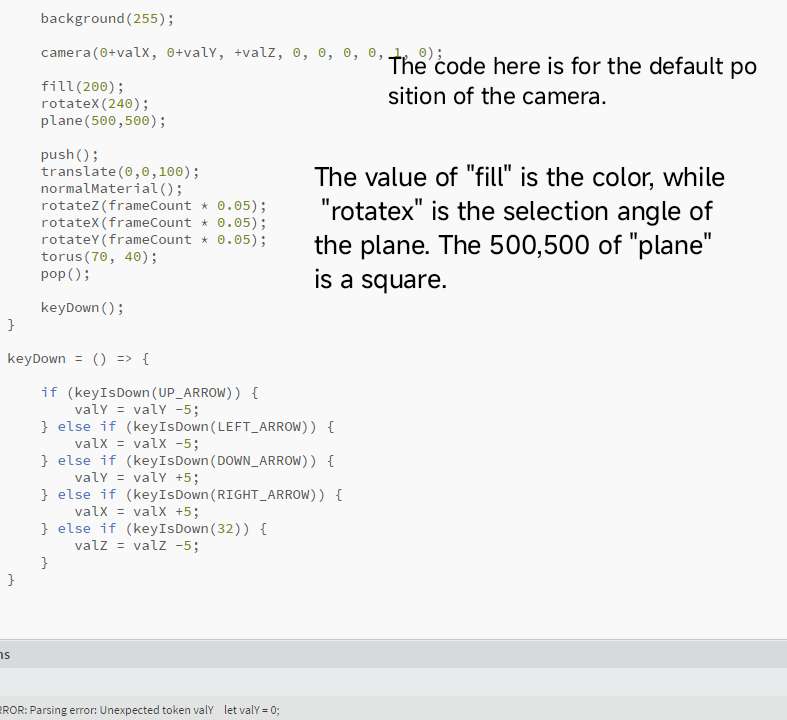
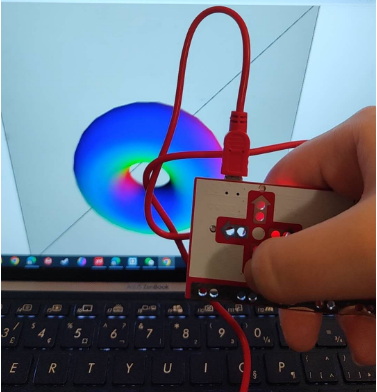
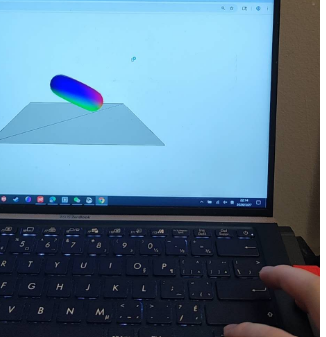
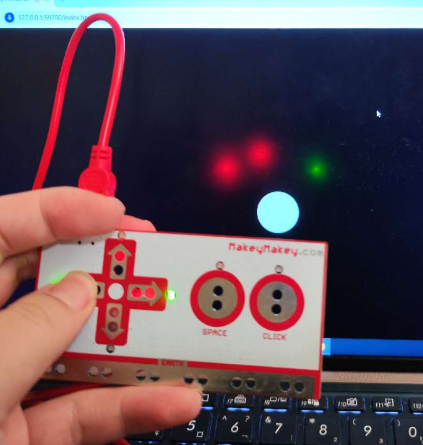
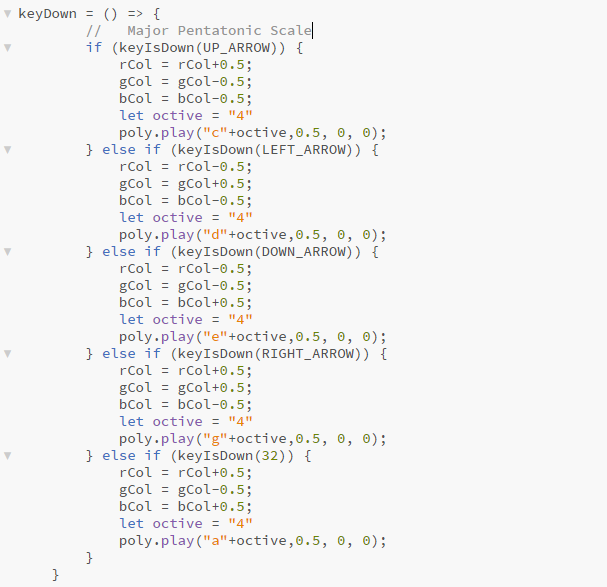
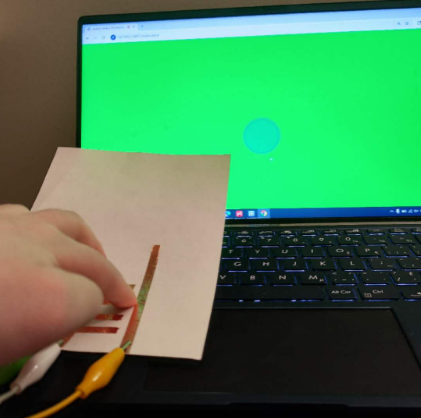
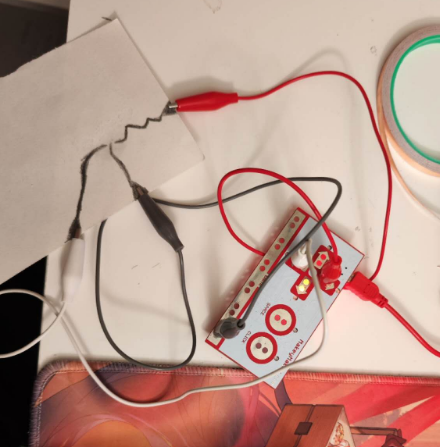
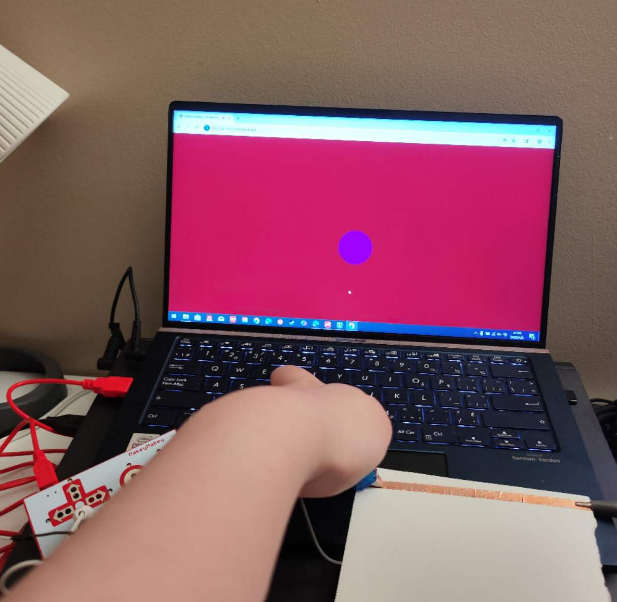
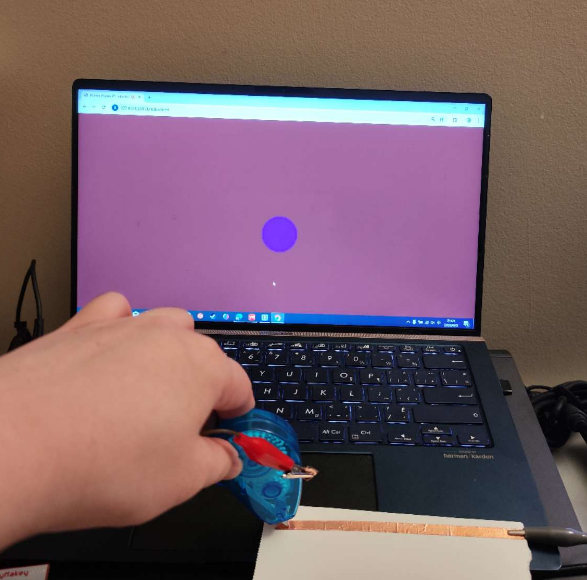
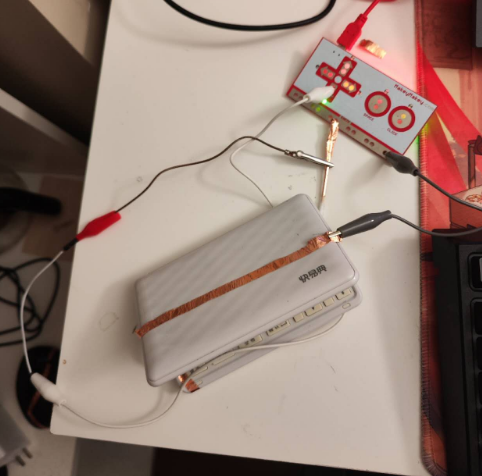
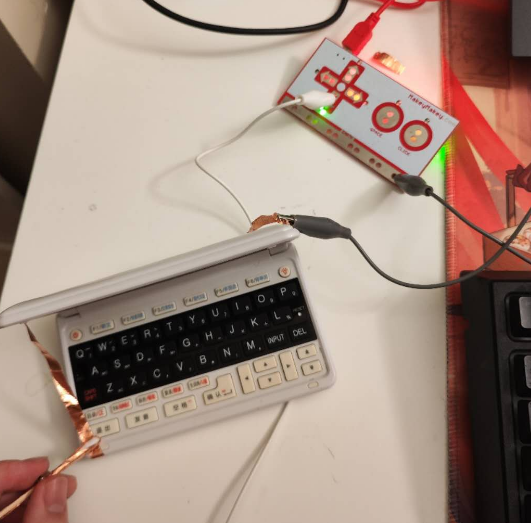
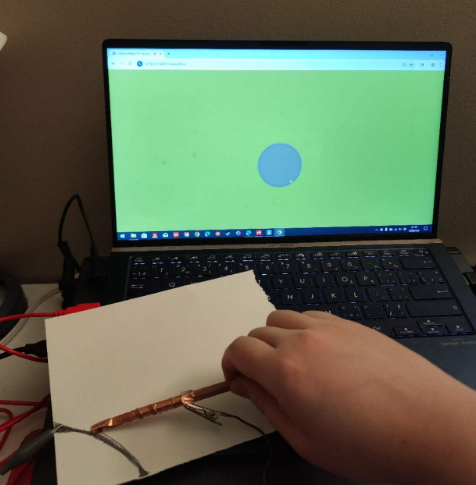
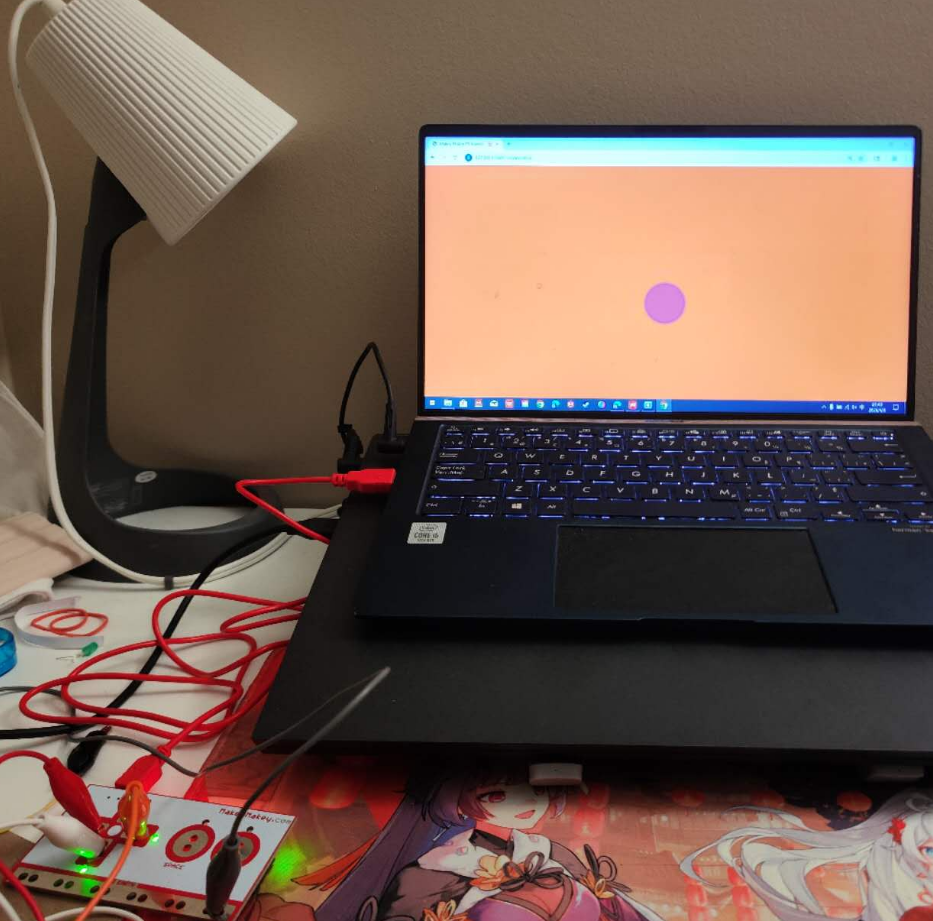
The activity of my Activity1 is to test the basic connection between MakeyMakey and P5.JS. During Activity One, I mainly used the sample P5.JS code through instructional videos to conduct some basic tests.

Activity 1
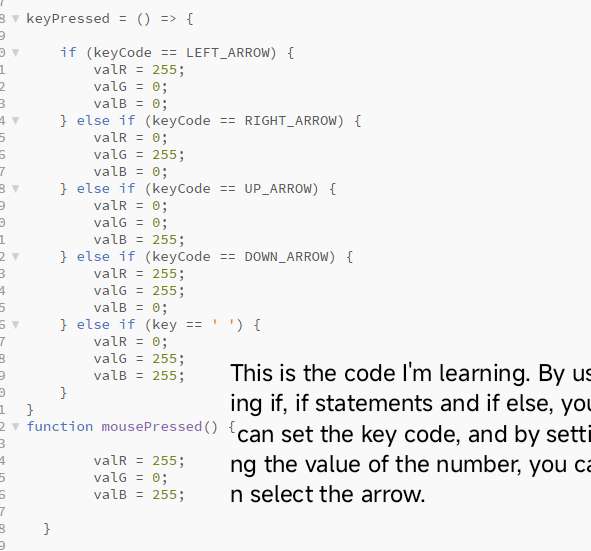
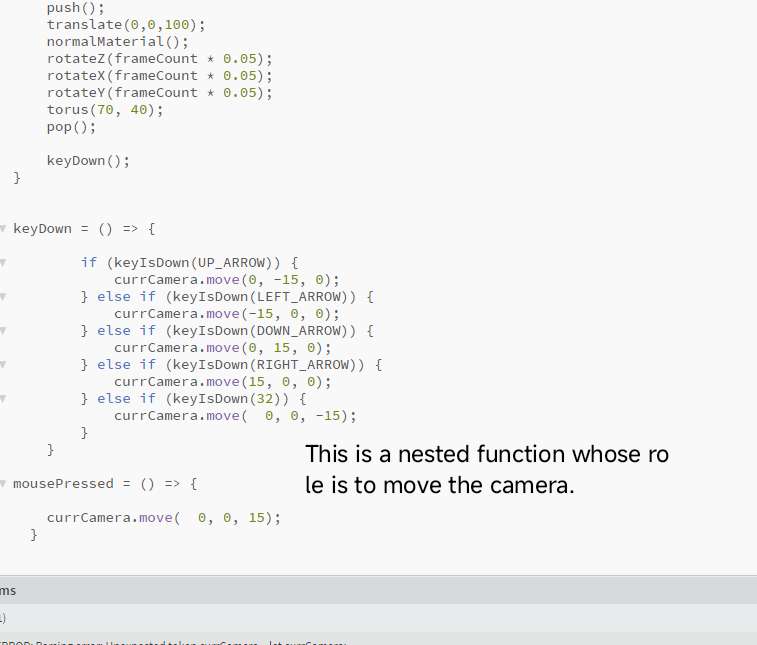
This is the content practiced through teaching videos. This is the content practiced through teaching videos. This is the content practiced through teaching videos. This is the content practiced through teaching videos. This is the content practiced through teaching videos. This is the content practiced through teaching videos. This is the content practiced through teaching videos. This is the content practiced through teaching videos. This is the content practiced through teaching videos. This is the content practiced through teaching videos. This is the content practiced through teaching videos. This is the content practiced through teaching videos. This is the content practiced through teaching videos. This is the content practiced through teaching videos. This is the content practiced through teaching videos. This is the content practiced through teaching videos. This is the content practiced through teaching videos. This is the content practiced through teaching videos. This is the content practiced through teaching videos. This is the content practiced through teaching videos. This is the content practiced through teaching videos. This is the content practiced through teaching videos. This is the content practiced through teaching videos. This is the content practiced through teaching videos. This is the content practiced through teaching videos.

Activity 2
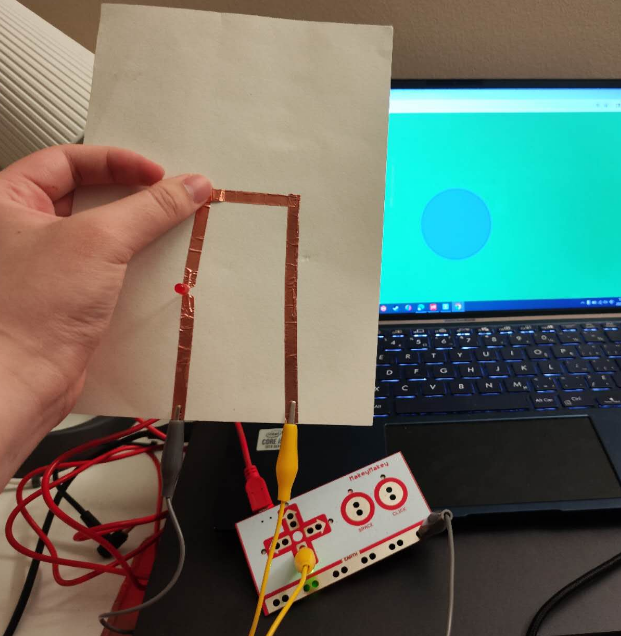
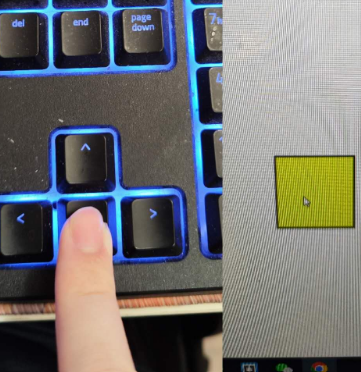
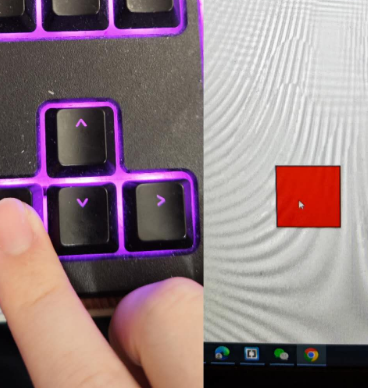
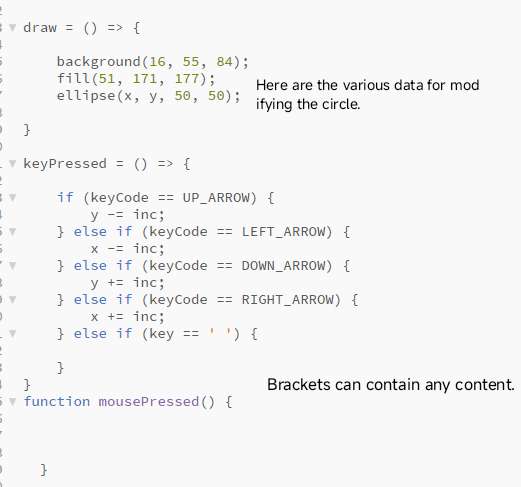
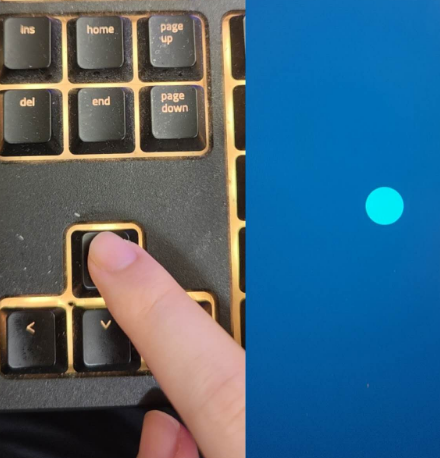
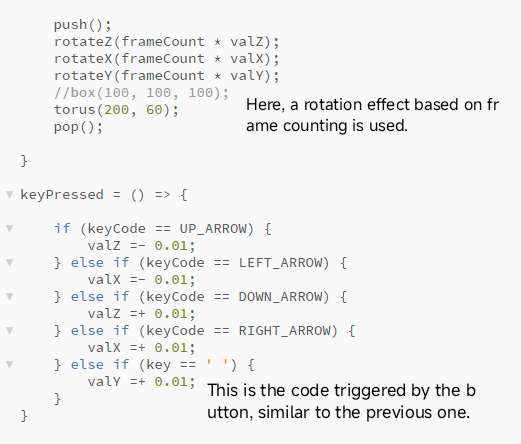
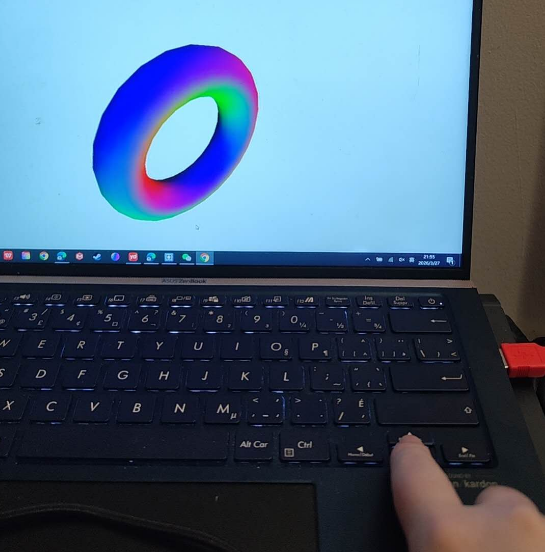
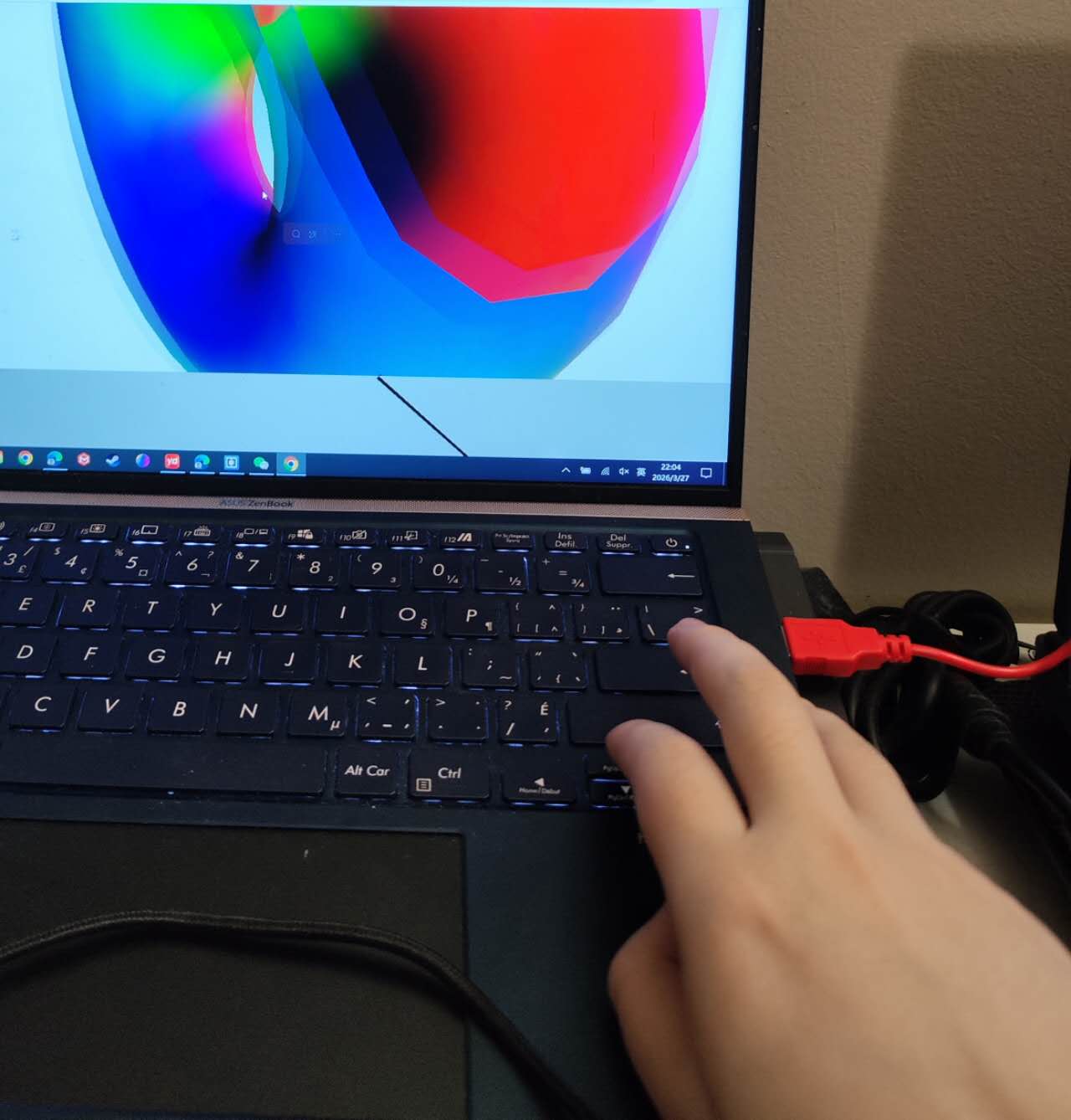
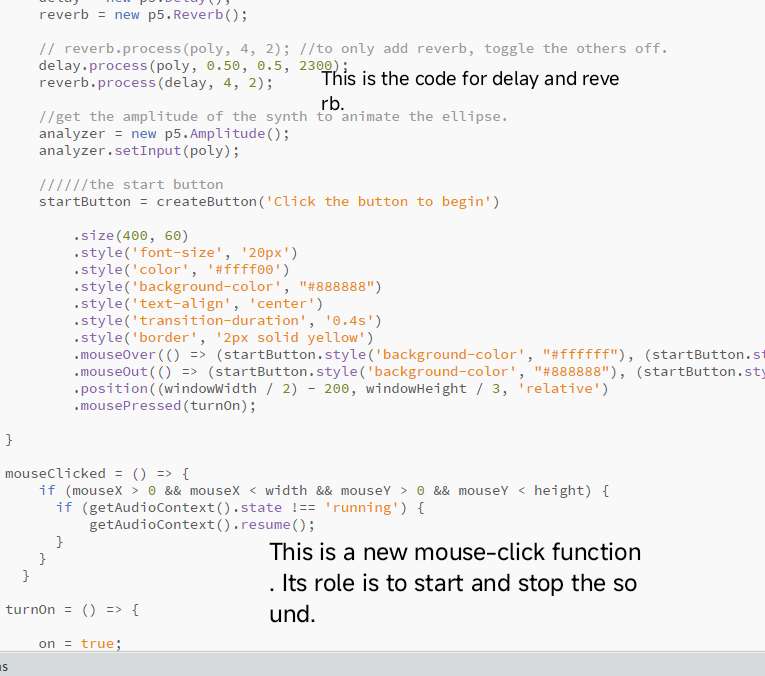
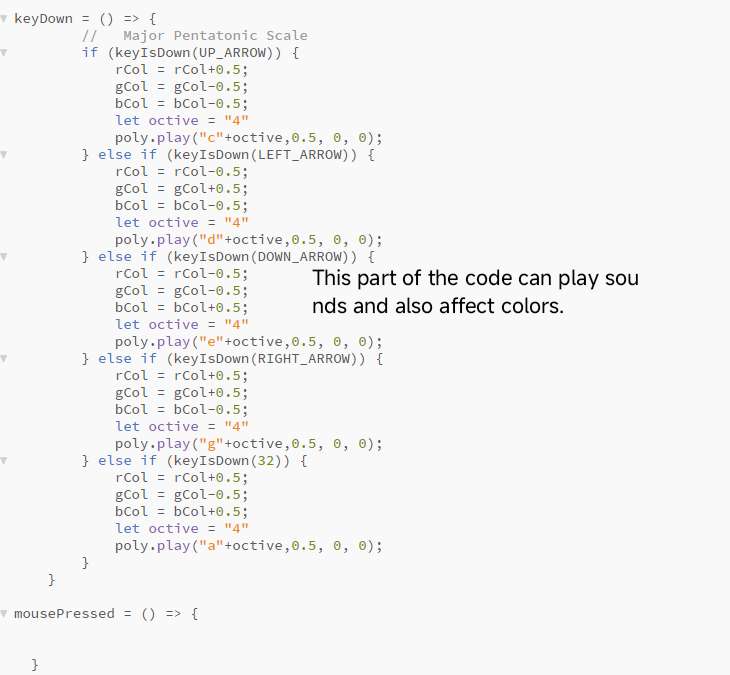
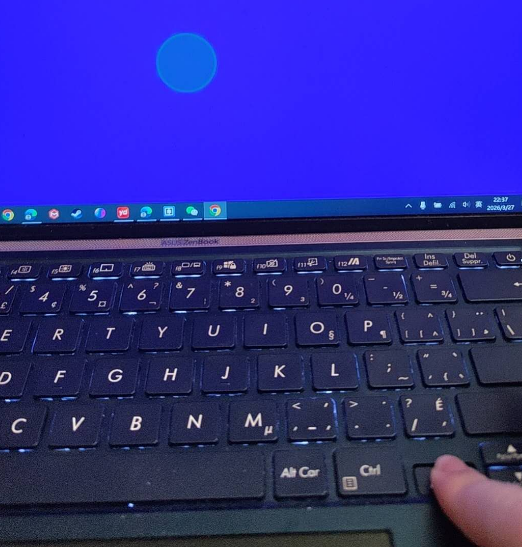
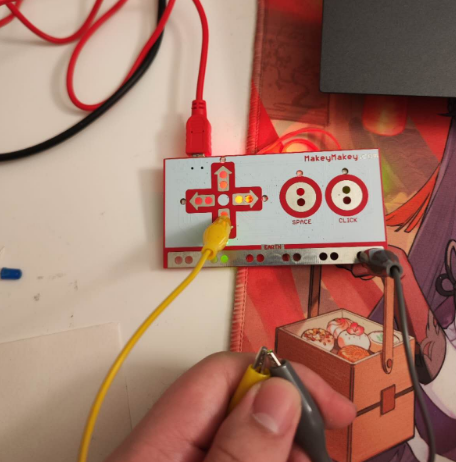
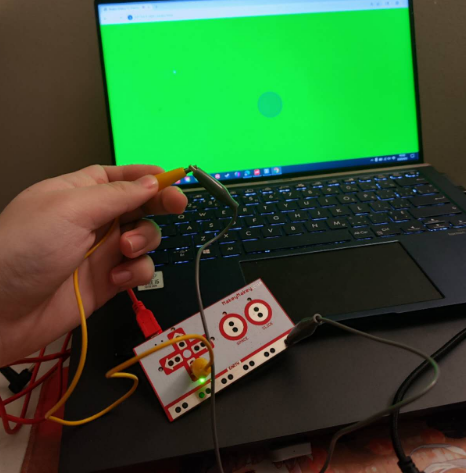
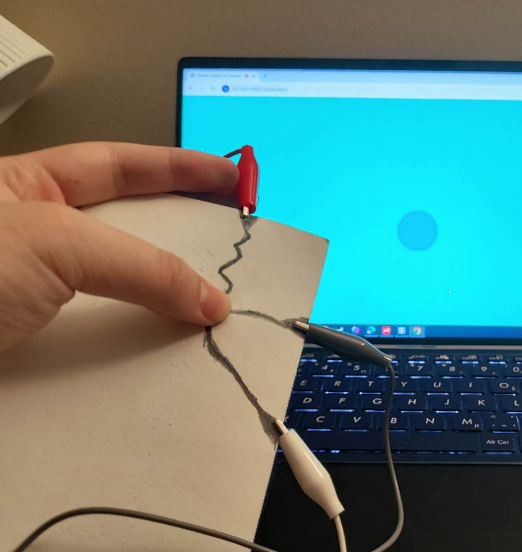
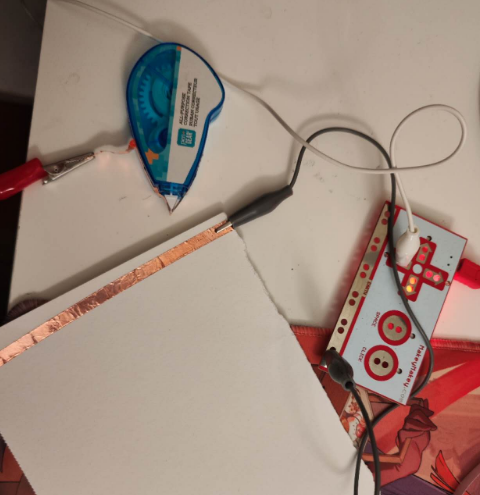
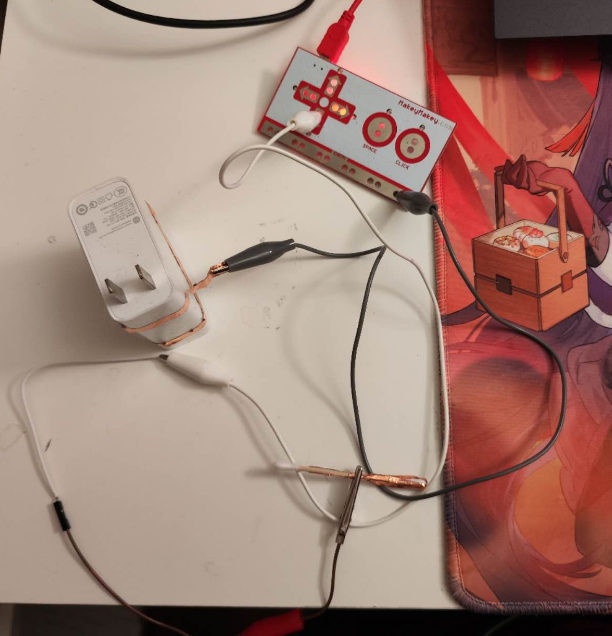
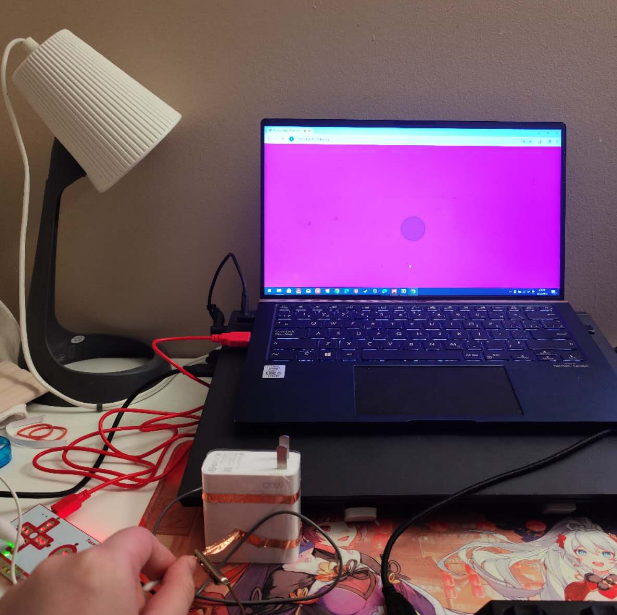
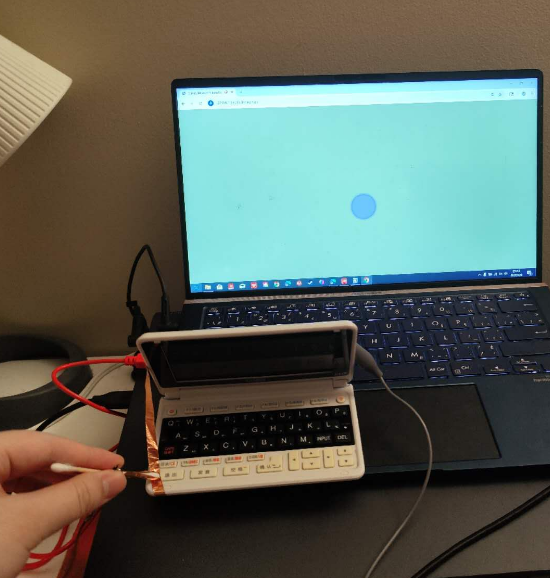
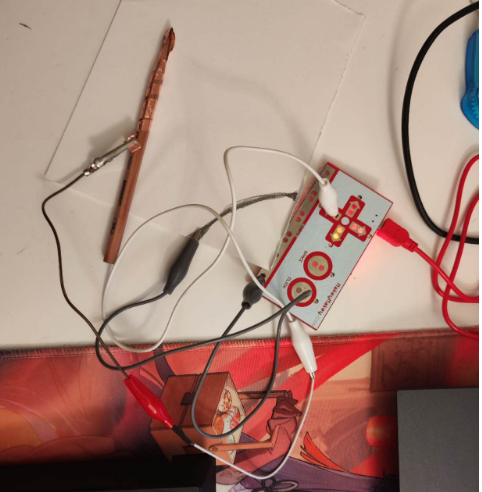
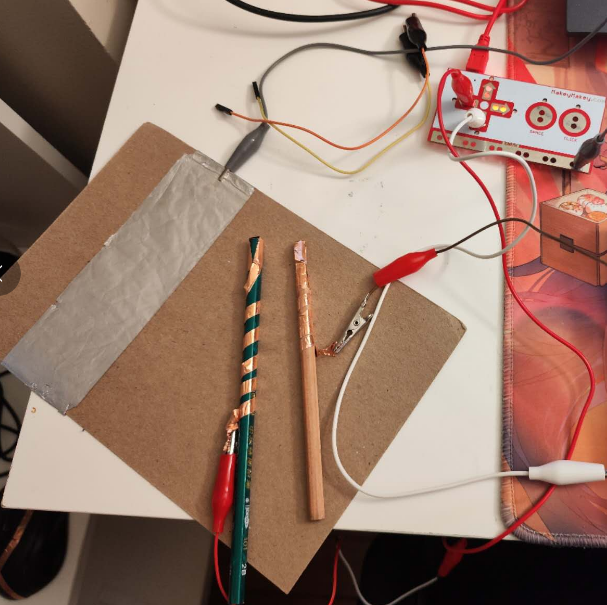
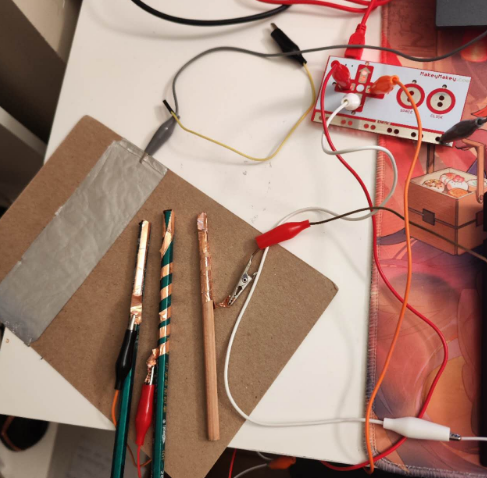
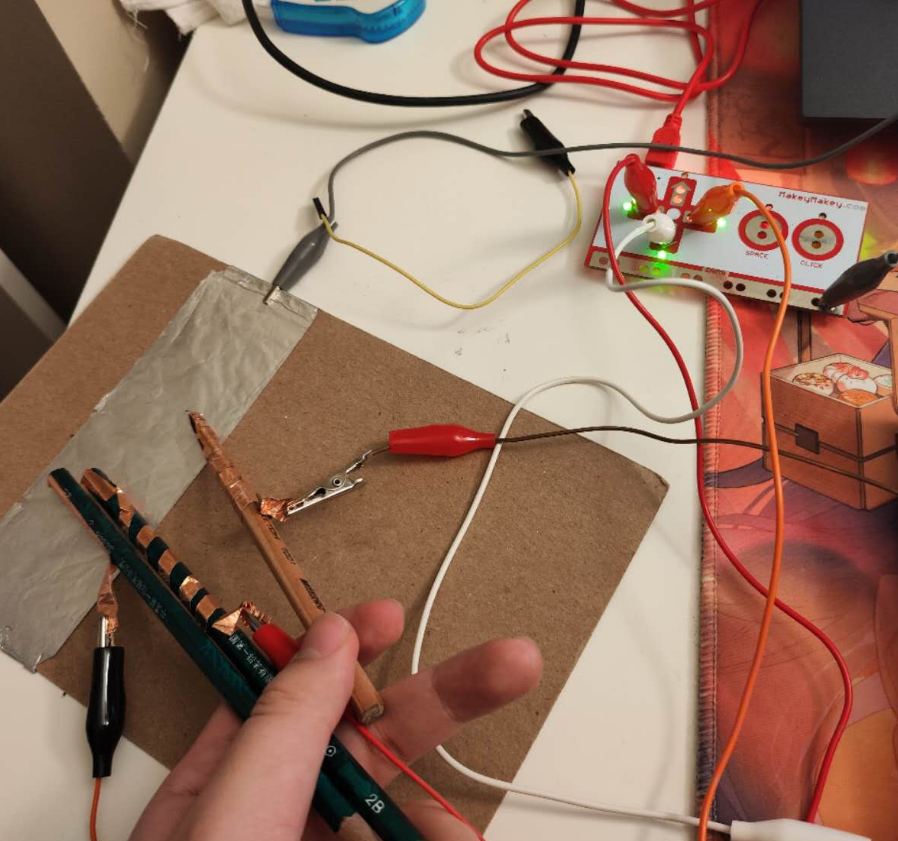
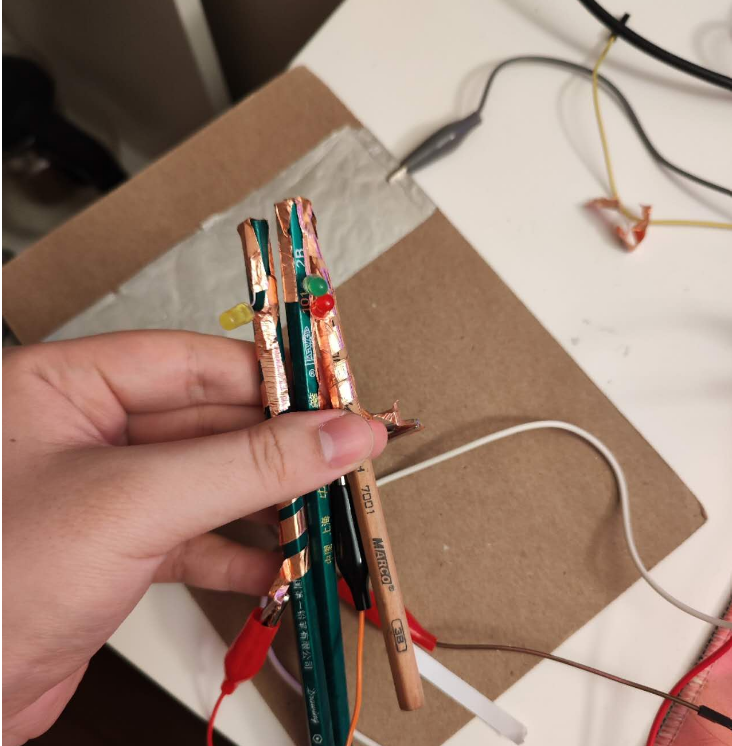
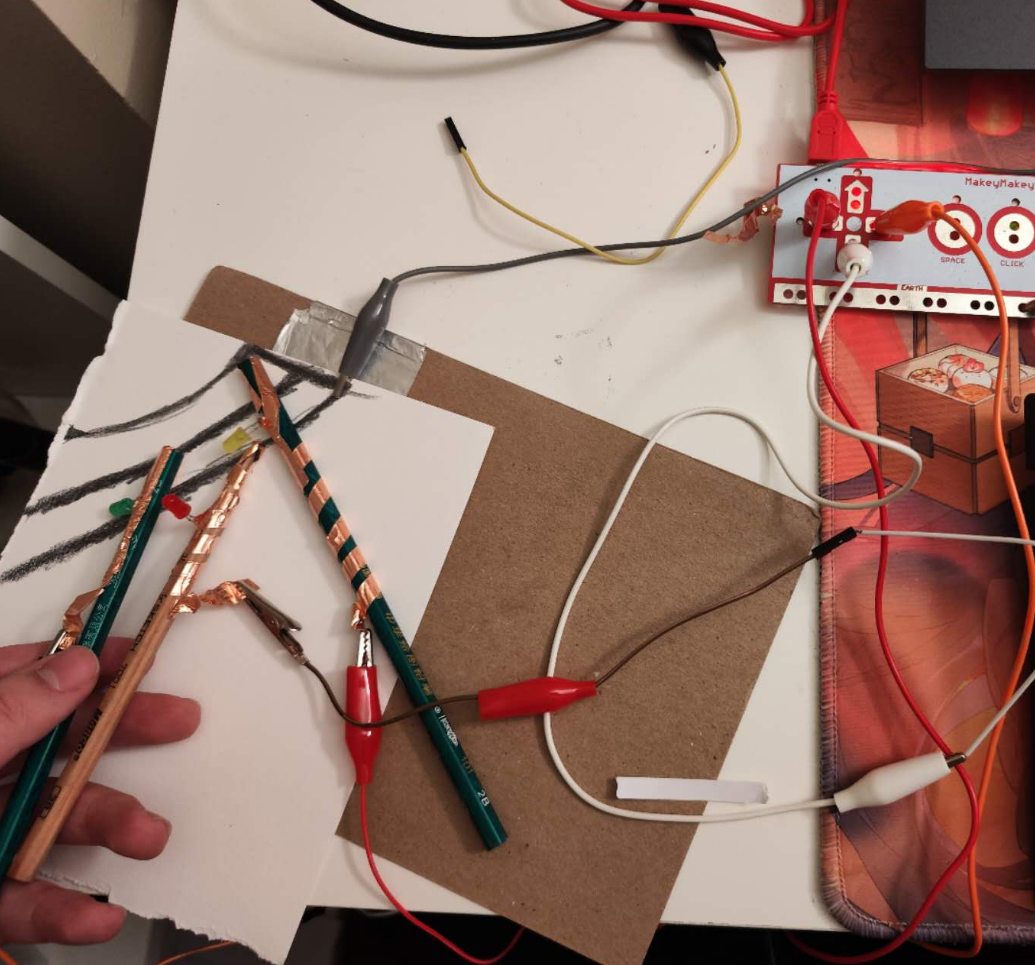
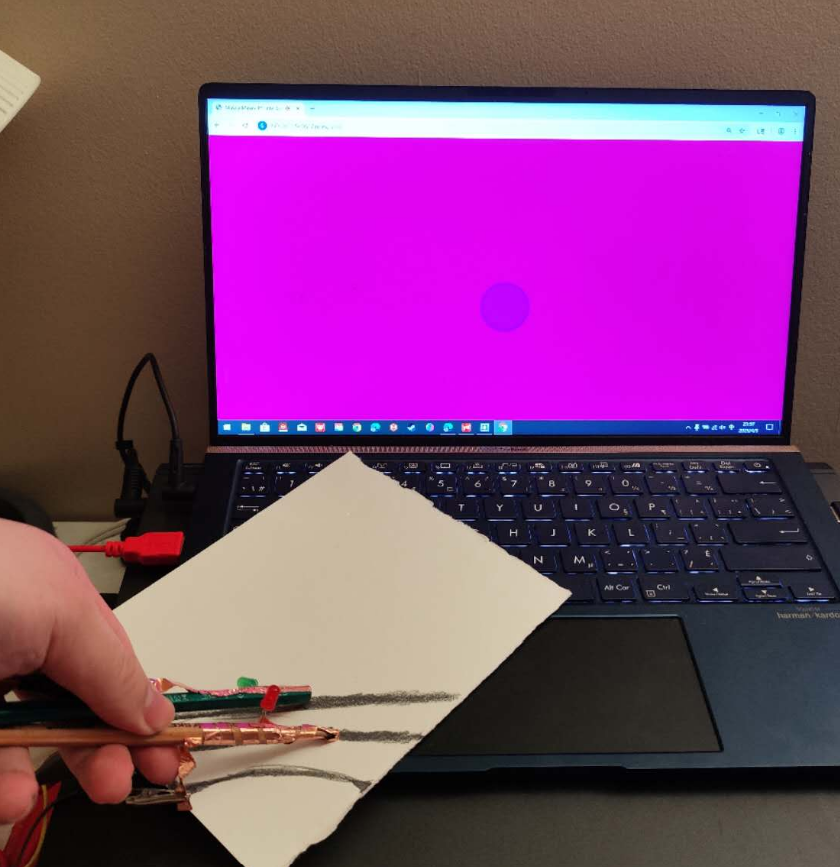
This is the process of my test based on the teaching video. This is the process of my test based on the teaching video. This is the process of my test based on the teaching video. This is the process of my test based on the teaching video. This is the process of my test based on the teaching video. This is the process of my test based on the teaching video. This is the process of my test based on the teaching video. This is the process of my test based on the teaching video. This is the process of my test based on the teaching video. This is the process of my test based on the teaching video. This is the process of my test based on the teaching video. This is the process of my test based on the teaching video. This is the process of my test based on the teaching video. This is the process of my test based on the teaching video. This is the process of my test based on the teaching video. This is the process of my test based on the teaching video. This is the process of my test based on the teaching video. This is the process of my test based on the teaching video. This is the process of my test based on the teaching video. This is the process of my test based on the teaching video. This is the process of my test based on the teaching video. This is the process of my test based on the teaching video. This is the process of my test based on the teaching video. This is the process of my test based on the teaching video. This is the process of my test based on the teaching video.

Project 3


Final Project 3 Design

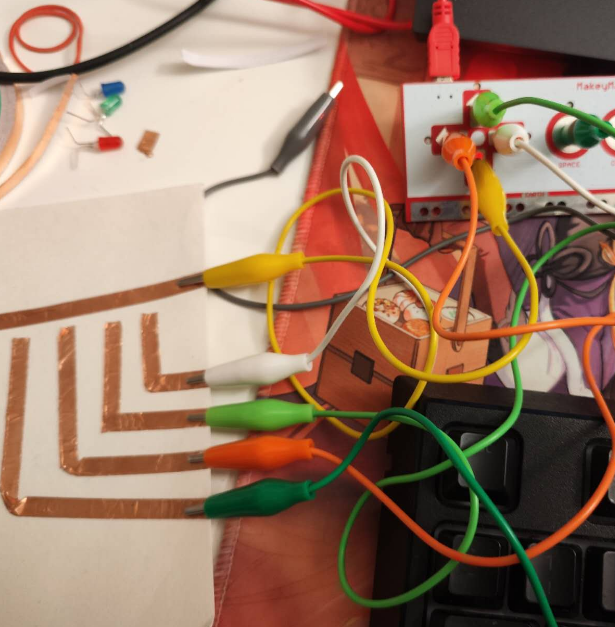
This is my final design. In my design, I use a central rectangular prism as the pivot point, and then divide the entire design into four parts based on the buttons used for pressing. Each time a button in a certain direction is pressed, a light of a different color will appear.

×

Powered by w3.css